This week, I'm dedicating the newsletter to a Black Friday Buyer's Guide for all things Apple...
Black Friday Buyer's Guide
First up, I hope all of you in the US had a lovely Thanksgiving and that the turkey hangover has eased off a bit by now! This week I thought I’d do something a little different with the newsletter. There isn’t a huge amount of Apple news floating around, and to be honest, this is one of those times of year where it’s very easy to get swept up in Black Friday excitement and end up buying things that look great in the moment but aren’t actually the right choice.

So I wanted to slow things down a little and put together a simple Apple buyer’s guide, a clear look at what’s actually worth picking up, what prices I’ve genuinely seen out there, and when it might be better to wait.
Now, a caveat. Because the audience here is international, but mostly based in the US, I’m using USD when discussing prices. It’s still worth checking your local retailers though, because the same deals often show up internationally.
I’m also not linking directly to individual offers, simply because they change so quickly that half of them would be out of date by the time you read this. Instead, treat this as a reference. If you see one of these products at the price points I mention, it’s well worth exploring, because you should be able to find similar offers over the next day or two.
You might notice that I’m not really talking about iPhone deals in this guide. That’s simply because I haven’t seen any consistent, reliable offers that I feel comfortable recommending. Most of the iPhone discounts this year have been tied to US carrier contracts, trade in schemes or short lived promotions that vary from one retailer to another. None of that works well for an international audience, and I’d rather leave it out than point you towards something that isn’t a clear or straightforward saving. If anything genuinely worthwhile appears, I’ll make sure to highlight it in a future newsletter.
OK, let's go!
Watch
The Apple Watch lineup has had some very strong Black Friday pricing this year, and a few models in particular have stood out. The easiest recommendation for most people is the Apple Watch SE 3, which I’ve seen available for around $200. It uses the same processor as the newer Series 11, has an always on display and handles day to day notifications, fitness tracking and sleep monitoring without any fuss. If you want something reliable that doesn’t cost a fortune, this is the one I’d point you towards.
If you’d like something a little more premium, the Apple Watch Series 11 is the next logical step. I’ve seen it between $350 and $380, depending on the size. The design is noticeably thinner, the display is easier to read from different angles and the whole thing feels more refined. It’s a really nice upgrade if you’re coming from a Series 7 or 8 and want something that feels fresher without jumping into the Ultra range.
At the higher end, there have been some good deals on the Apple Watch Ultra 3, which I’ve seen available for around $700. You’re getting the larger, brighter display, better GPS, louder speakers and the more rugged design that the Ultra line is known for. If you prefer the bigger look or you spend a lot of time outdoors, it’s an excellent option at that price.
It’s also worth keeping an eye out for quieter discounts on last year’s models, especially the Series 10 and the Ultra 2. Retailers sometimes clear older stock without drawing much attention to it, and both watches are very close to their newer counterparts in everyday use. The Series 10 feels similar to the Series 11, and the Ultra 2 sits right next to the Ultra 3 in terms of features and performance. If you spot either of them significantly cheaper, they can be brilliant value.
Picked up a new iPhone recently?
If you’ve picked up a new iPhone recently, or you’re planning to get one over the holidays, now is the best time to get into good habits with your battery. A lot of people notice that even a brand new iPhone can drain faster than expected, and it's not always obvious what is causing it or which settings actually make a difference.
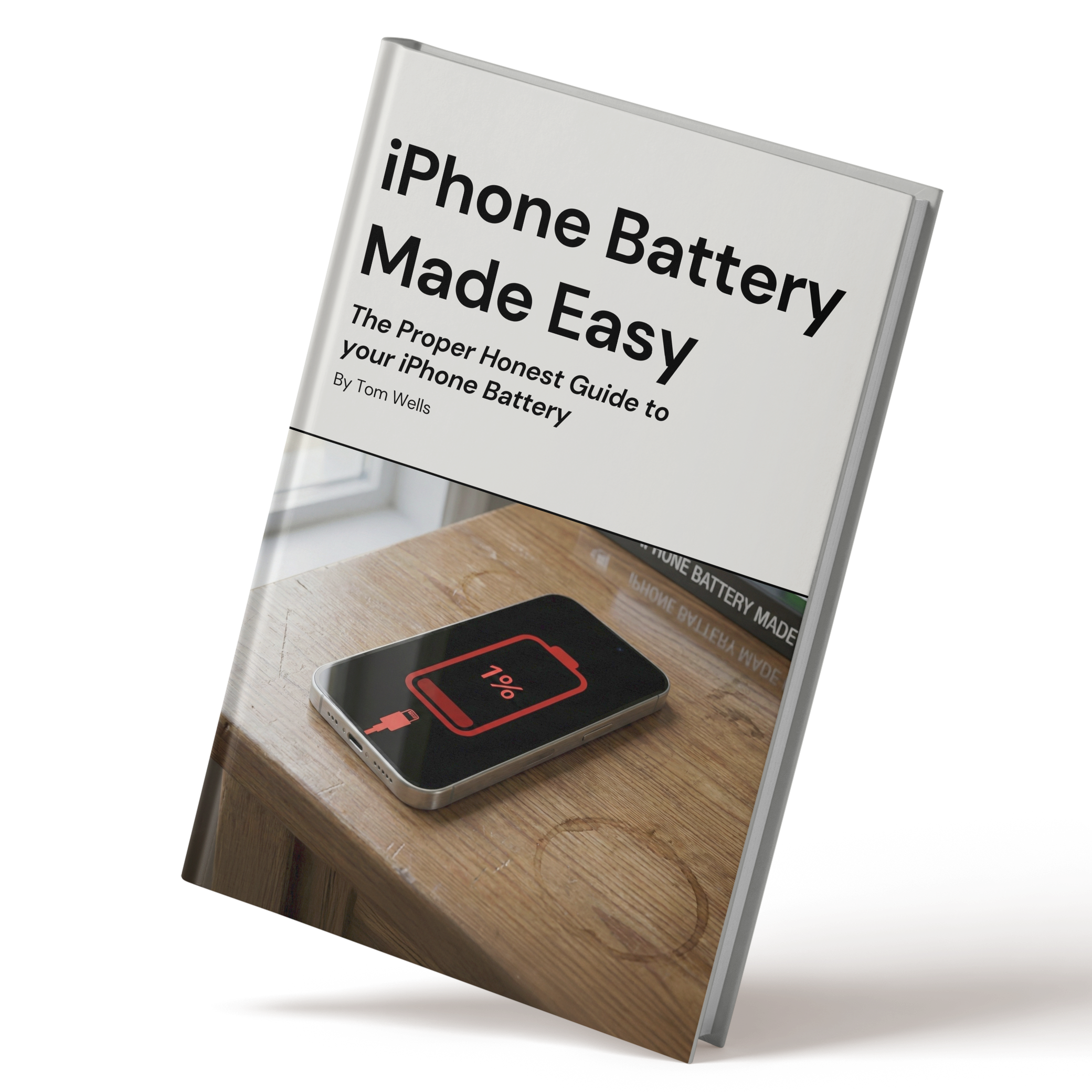
I’ve put together a new ebook called iPhone Battery Made Easy, which explains how your battery really works and the steps that genuinely help. It shows you how to slow down Battery Health loss, how to reduce hidden drain from apps and which settings to change if you want your phone to last longer during the day. Everything is explained clearly, with screenshots and examples you can follow in a couple of minutes.
If you want to look after your new iPhone properly, or keep your current one running better for longer, you can take a look at the guide here.
AirPods & Headphones
There have been some very strong audio deals this year, and a few stand out above the rest. The most affordable option is the AirPods 4. I’ve seen the standard model for around $69, and the noise cancelling version for around $99. Both offer quick pairing, a comfortable fit and better sound quality than previous entry level AirPods. They’re great if you want a simple pair for everyday listening or a cheap spare to keep in your bag or the car.

If you want something more premium, the AirPods Pro 3 have been a solid buy. I’ve seen them between $219 and $220, and they deliver excellent noise cancellation, clearer audio and improved Find My support. If you’re upgrading from older AirPods or from the first generation Pros, the difference is immediate and genuinely noticeable.
For anyone who wants something at a lower price, the AirPods Pro 2 have dipped to around $139. They’re not the newest version, but they still offer strong noise cancellation and a comfortable seal, so they’re a good alternative if the Pro 3 price jumps or sells out.
I’ve also seen the Beats Powerbeats Pro 2 at around $200, and they’re a great choice if you run or spend a lot of time in the gym. The ear hook design keeps them firmly in place, and the physical buttons make them easier to control during workouts. They’re not for everyone, but if you want something secure and built for movement, they’re well worth a look.
iPads
There have been some genuinely strong iPad deals this year, and several models have dipped lower than I expected. One of the best value options is the iPad A16, which I’ve seen available for around $275. It’s a brilliant choice for everyday use, whether you’re browsing, watching videos, following recipes or doing a bit of light multitasking. With iPadOS 26 now supporting multiple windows, it feels more capable than you’d expect at this price.
I’ve also come across the iPad Air M3 at around $450 for the 11 inch model. It’s a lovely step up if you want something a bit more premium. The brighter display, Pencil Pro support and the landscape front camera all make it feel much more versatile. It’s a great fit for anyone who wants more power and flexibility without paying the higher Pro prices.
At the top end, the iPad Pro M5 has shown up between $900 and $925 for the smaller model, with the 13 inch version available at about $1,240. This is the one to choose if you want something that can comfortably replace a laptop. The tandem OLED display looks stunning, performance is incredibly strong and it handles creative work with ease.
If you prefer something more compact, I’ve seen the iPad Mini A17 for around $400. It’s ideal for reading, gaming and travel, and the jelly scrolling issue from older versions has been sorted. It may get refreshed in 2026, but if the smaller form factor suits you, it’s a lovely device at a solid price.
Would you like a FREE iPhone lesson every day?
Quick thing before we dive in: I’ve started sending one really useful iPhone tip every day called The Daily Swipe. It’s free, simple, and you can join here.

Macs
Mac deals have been unusually good this year, especially if you’ve been holding out for a proper upgrade. The most eye catching discount I’ve seen is the MacBook Air M4, which has dropped to around $749 for the base configuration. It’s light, fast and perfect for everyday use. The only thing to keep in mind is storage. The 256GB version works for light tasks, but most people will be far better off with the 512GB model, which I’ve seen at around $950. It gives you a lot more room to grow and will feel much less cramped in the long run.
If you need something more powerful, the new MacBook Pro M5 has appeared at around $1,399, which is a great price for the performance it offers. You’re getting the sharper ProMotion display, the improved cooling system and 512GB of storage as standard. If you multitask heavily or work with large files, the version with 24GB of RAM is well worth the extra cost, as it simply handles more without slowing down.
I’ve also seen a few strong desktop deals. The Mac Mini M4 has dropped as low as $480 for the base model, with the 512GB version showing up at around $689. They’re tiny, quiet and far more capable than people expect, especially if you already have a monitor you like. If you’re working with more demanding audio or video projects, the Mac Mini M4 Pro pops up occasionally too, although it really only makes sense if your workflow genuinely needs the extra power.
At the higher end, the Mac Studio M4 Max has been one of the most surprising deals. I’ve seen the base configuration at around $1,800, which is a fantastic price for a machine of that calibre. If you edit video, work with large libraries or run heavier creative apps, this is one of the best value pro level Macs I’ve seen in quite a while.
Accessories and smaller extras
Black Friday is always a good time to pick up the smaller Apple bits and pieces that you never quite feel like buying at full price. One of the best deals I’ve seen is on AirTags. A four pack has dropped to around $65, and single tags have shown up at about $17. They make brilliant stocking fillers and they’re genuinely useful. I’ve got them on keys, bags, camera gear and anything else that tends to go walkabout.

If you’re thinking about getting an iPad, this is also a great moment to grab the Apple Pencil Pro. I’ve seen it for around $99, and it’s a lovely upgrade if you do any sketching, note taking or photo editing. The new squeeze and haptic features make it feel much more intuitive to use.
It’s also worth picking up a power adapter while the prices are low, especially since new iPhones and iPads no longer include one in the box. Apple’s 35W dual USB C adapter has been down to around $29, and it’s handy if you want to charge two devices at once without taking up extra wall space.
Tip of the week
Did you know, that in the Maps app, if you long-press on the little weather widget in the upper-left corner of the screen, you can get a real-time weather update for that specific area? You can then also tap on the window that appears, to be taken straight to the Weather app.

My new content
26 iPhone Gestures EVERY Owner Should Know
|