This week, things get ugly between Apple and OpenAI, an exciting new iPad mini is coming, and the iOS 27 Public Beta is out!
iTheft? Apple Sues OpenAI
In what might be the most dramatic corporate fallout in recent tech history, Apple filed a lawsuit against OpenAI last week, alleging that the AI company has been systematically stealing its trade secrets to build competing hardware. The 41-page complaint, filed in federal court in Northern California, reads less like a legal filing and more like a corporate spy thriller.
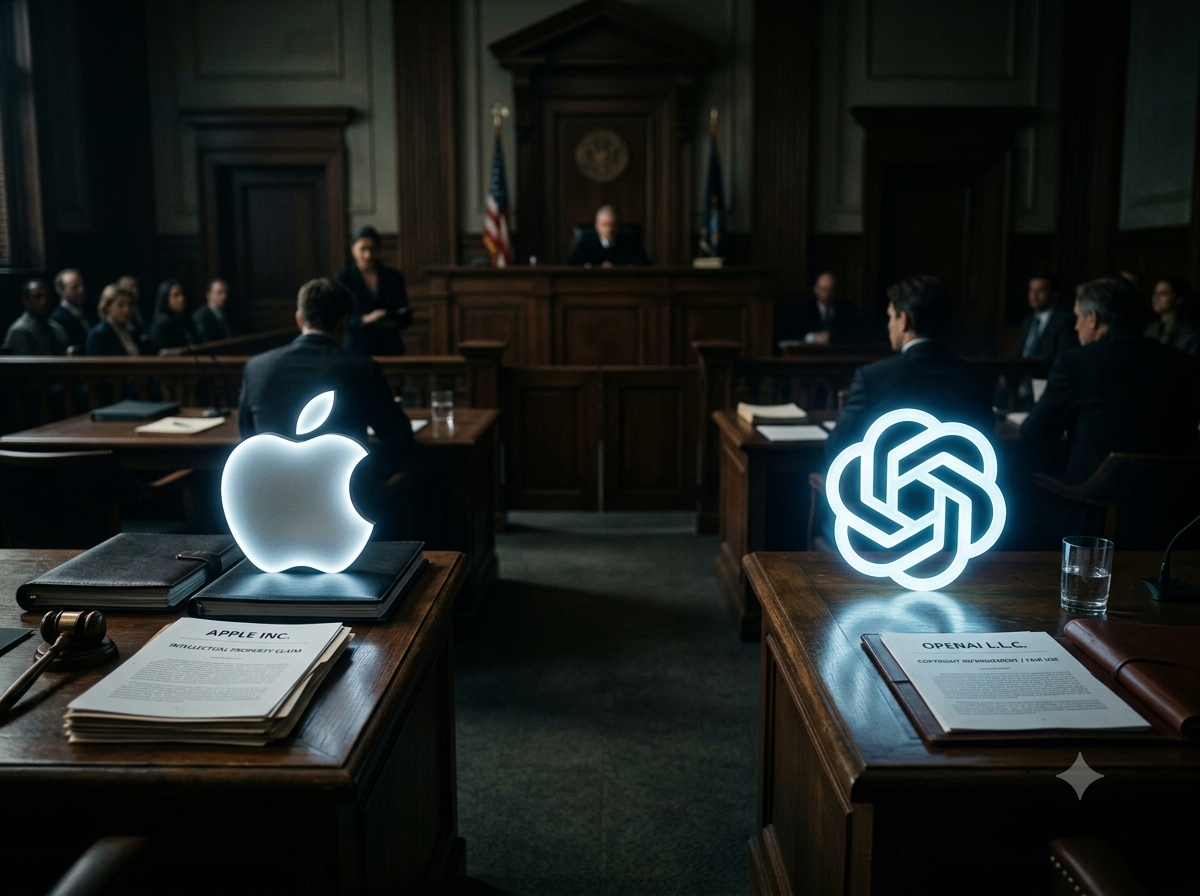
The allegations centre on OpenAI's hardware division, which Apple claims has been built on stolen intellectual property. Over 400 former Apple employees now work at OpenAI, and Apple says it has had to completely rebuild parts of its design teams as a result. Two individuals are named as defendants. Tang Tan, OpenAI's hardware chief and a former Apple VP, allegedly directed Apple employees interviewing at OpenAI to bring "actual parts" from unreleased Apple products for "show and tell" sessions. Chang Liu, a former senior electrical engineer, allegedly kept a company laptop after leaving, discovered a security bug that let him continue accessing Apple's cloud storage, and texted a colleague still at Apple: "LOL, I found out I can access the [network storage], so funny." That colleague, Yu-Ting Peng, allegedly replied: "I'm ready." She later joined OpenAI too.
But it goes deeper than rogue individuals. The complaint alleges that OpenAI circulated an internal Apple security document among new hires, coaching departing Apple employees on how to avoid triggering Apple's immediate-removal security procedure, giving them extra time to extract confidential information before leaving. OpenAI allegedly advised employees not to sign exit paperwork and to "let OpenAI know ASAP" if Apple asked them to.
Apple's language in the filing is extraordinary. "OpenAI's nascent hardware business now rests on the shakiest of foundations, rotten to its core by its illegal reliance on misappropriated trade secrets." Apple has also warned that the complaint represents "the tip of the iceberg" and that the discovery process will reveal misconduct "on a scale many times greater."
OpenAI pushed back this week, saying "we're not aware of any evidence that this complaint has merit" and defending people's right to work wherever they choose. But the company's planned hardware device, a screen-free smart speaker described as a "humanlike AI companion," is now reportedly in jeopardy. Apple is seeking an injunction that could block its release entirely. The lawsuit also threatens to complicate OpenAI's upcoming IPO, which was expected to be one of the biggest in tech history.
Jony Ive's company io Products is named in the suit, though Ive himself is not accused of wrongdoing. Apple has not commented on whether the lawsuit will affect the ChatGPT integration that still lives inside Siri AI. And the partnership that began with such fanfare at WWDC 2024 now looks like it ended with stolen laptops and a 41-page complaint.
This one is going to run for a very long time.
Don’t want to wait for the right tip?
As more than 30,000 of you already know, The Daily Swipe is my completely free email that teaches you one useful iPhone tip every day. If you’re not already receiving it, you can sign up here.
But if you’d rather explore everything at your own pace, Daily Swipe Complete gives you immediate access to more than 225 tips (that number increasing every day) in one clean, searchable library.
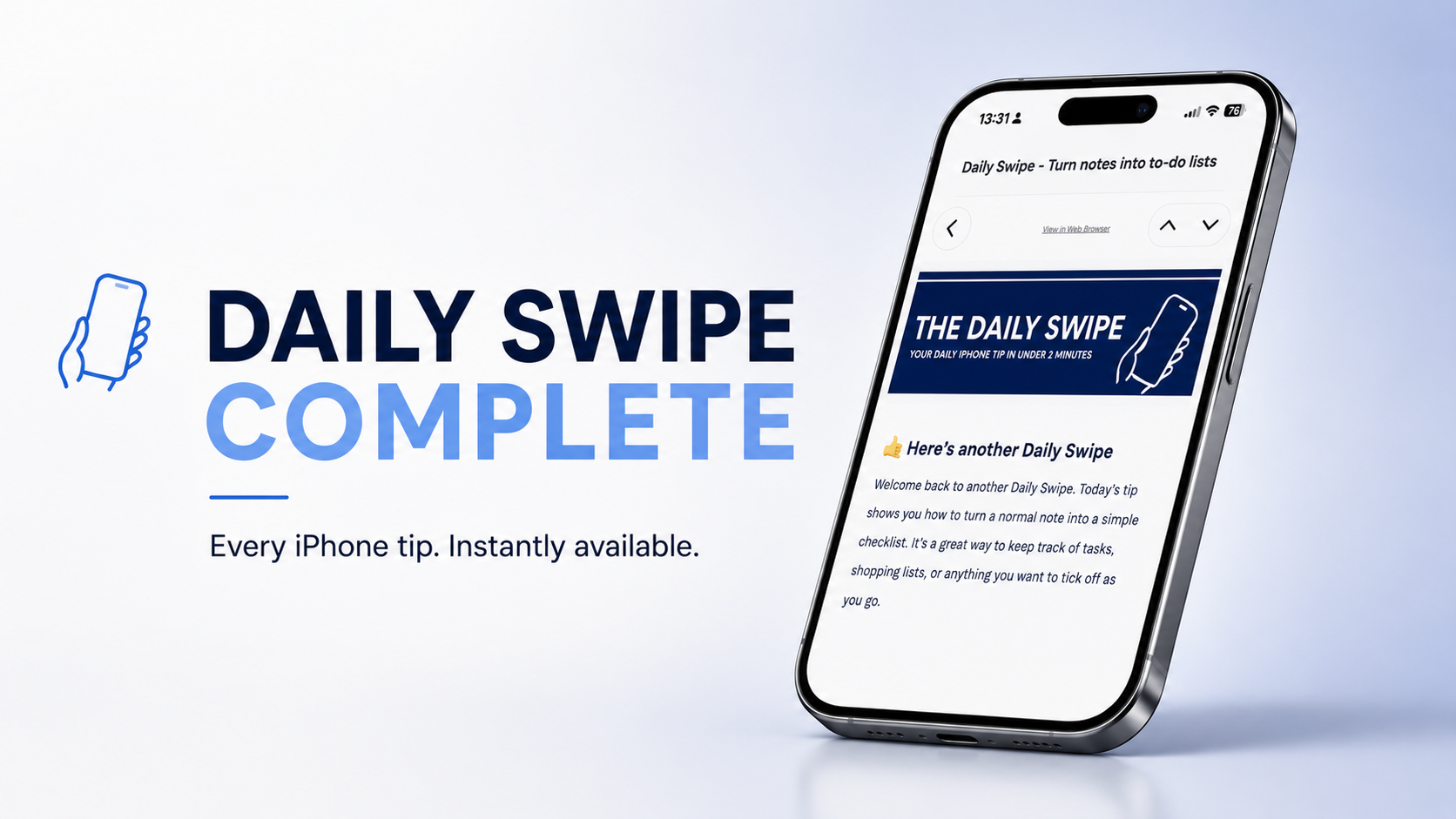
You can browse by topic, find the help you need right now, revisit tips without digging through old emails, and access every new tip as it’s published.
It costs $49 for a full year, equivalent to around $4 per month, and you can cancel any time.
The free Daily Swipe isn’t going anywhere. This is simply another option for people who don’t want to wait.
Apple Plans OLED Mini for October Release
If you're an iPad mini fan (like I am), this is the news you've been waiting for. Mark Gurman reported earlier this week that Apple is preparing what he describes as the biggest overhaul to the iPad mini in half a decade, with the updated model, codenamed J510, featuring an OLED screen for the first time.
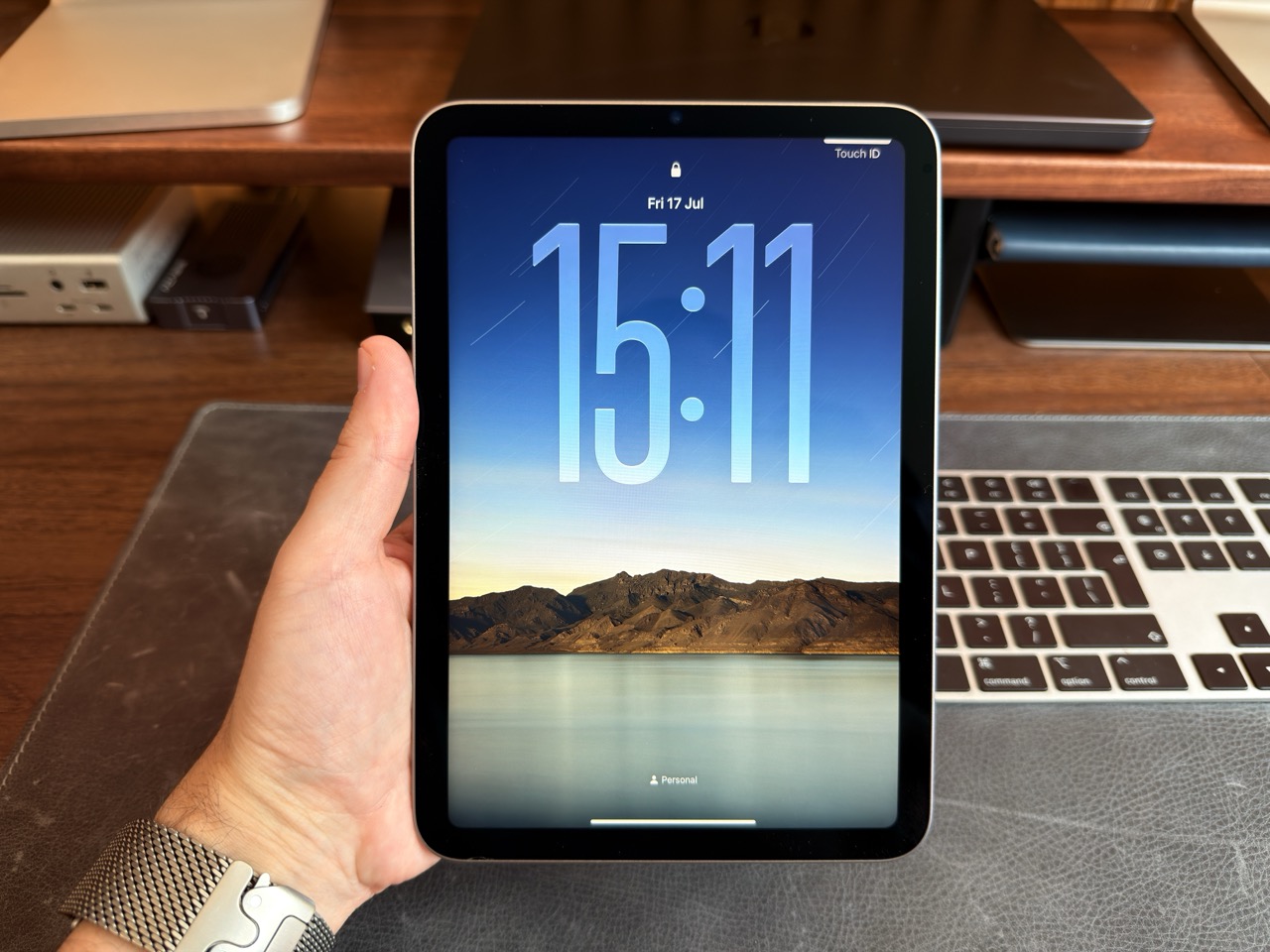
OLED panel production has already begun at Samsung Display, which is the clearest sign yet that this isn't a 2027 story. A late 2026 launch is widely expected, most likely at whatever Mac and iPad event Apple holds in October. The screen is rumoured to grow slightly from 8.3 inches to 8.4 inches, and while there's some debate about whether it'll get 120Hz ProMotion or stick with 60Hz, the move to OLED alone is a massive visual upgrade. Self-lit pixels, perfect blacks, better colour accuracy, and improved outdoor visibility. Anyone who's used an OLED iPad Pro knows how big the difference is, and bringing that to the mini is long overdue. And if Apple does go with ProMotion, this will likely become my go-to iPad.
Beyond the display, the new mini is expected to ship with an A20 chip, Apple's N1 modem, and potentially the company's first water resistance rating on an iPad mini. Gurman also confirmed that updated iPad Air and base iPad models are in the pipeline, but those aren't expected until 2027.
The iPad mini has always been a bit of a cult favourite. It doesn't sell in iPad Pro or iPad Air numbers, but it has a fiercely loyal audience of travellers, readers, and people who just want a tablet they can hold comfortably in one hand. Giving it OLED doesn't change what it is, but it does make it significantly harder to ignore. If it launches in October alongside the new Macs, it could quietly end up being one of the most appealing products Apple ships this year.
You watch the videos? But how much do you remember?
If you're anything like most of my audience, you've probably watched dozens of iPhone tips videos over the years. Maybe even hundreds. You've bookmarked a few, saved some to Watch Later, maybe even scribbled a note or two. But when you actually need that tip, when you're standing there trying to remember how to do that thing you definitely saw in a video once, it's gone. You can't remember which video it was in, what it was called, or whether it was even on my channel or someone else's.
That's not a you problem. That's a content problem. YouTube is brilliant for discovery, but it's terrible for reference. Tips get buried in ten-minute videos, mixed in with ads and sponsor reads, and once you've scrolled past them, they're effectively lost. You'd have to rewatch the entire video just to find the one thing you needed.
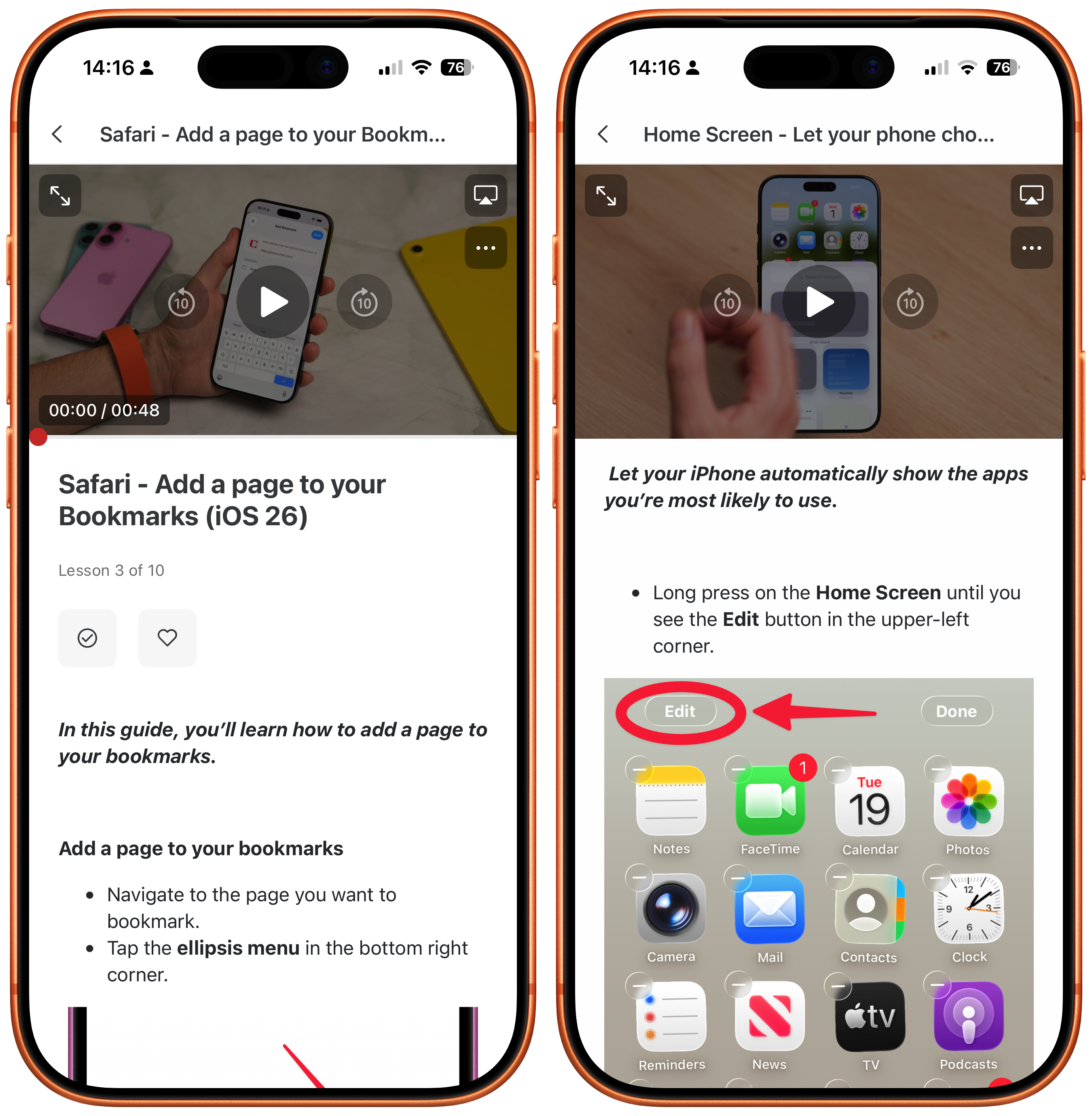
iPhone Essentials Plus was built to solve exactly this. It's not another set of videos to watch and forget. It's a structured, searchable library of over 250 lessons (and growing), each one focused on a single topic, with a video walkthrough, a written step-by-step guide, and a downloadable PDF you can keep. The tips you've half-remembered from a YouTube video, organised and accessible whenever you need it.
The course is updated regularly as Apple releases new features, so it stays current with your phone. I've also recently added ad-free, sponsor-free versions of my YouTube videos as bonus content, plus a brand new standalone course called iPhone Battery Made Easy is now included at no extra cost.
It's a one-time purchase, no subscription, with lifetime access. If you've ever thought "I know I saw a tip for this somewhere," this is the answer.
Purchase Links;
Apple Releases iOS 27 Public Beta
The iOS 27 public beta landed on Monday, which means you no longer need a developer account to try Apple's next major software update. Head to Settings, General, Software Update, tap Beta Updates, and you'll see the option sitting there waiting for you. macOS Golden Gate, iPadOS 27, and watchOS 27 public betas are all available too.
Now, I would normally tell you to stay well away from beta software, especially on your main device. And technically, I still should. But I've been running the developer betas since they launched at WWDC five weeks ago, and I genuinely mean this: these are the most stable betas I have ever used. I've had zero crashes, no app compatibility issues worth mentioning, and my battery life has been essentially the same as it was on iOS 26. That's unheard of for a beta, especially this early in the cycle.
If you've got a spare iPhone and you're curious, I'd say go for it. If the public beta is your only device, it's a slightly harder call. It's still beta software, and there's always a chance that a specific app you rely on has a problem that hasn't been flagged yet. But the risk is lower this year than any year I can remember. The "Snow Leopard" approach of focusing on stability and refinement over new features means Apple has spent this cycle polishing rather than rebuilding, and it shows.
The headline feature is Siri AI, which requires an iPhone 15 Pro or newer. You may need to join a waitlist to access it, but once you're in, it's genuinely impressive. Beyond that, you're getting the new AI photo editing tools, improved parental controls in Screen Time, organised tabs in Safari, and dozens of small quality-of-life improvements that make the whole experience feel noticeably snappier than iOS 26.
Full coverage from me will be coming in September when the official public release lands alongside the new iPhones. But if you want a head start, the door is open.
Tip of the Week
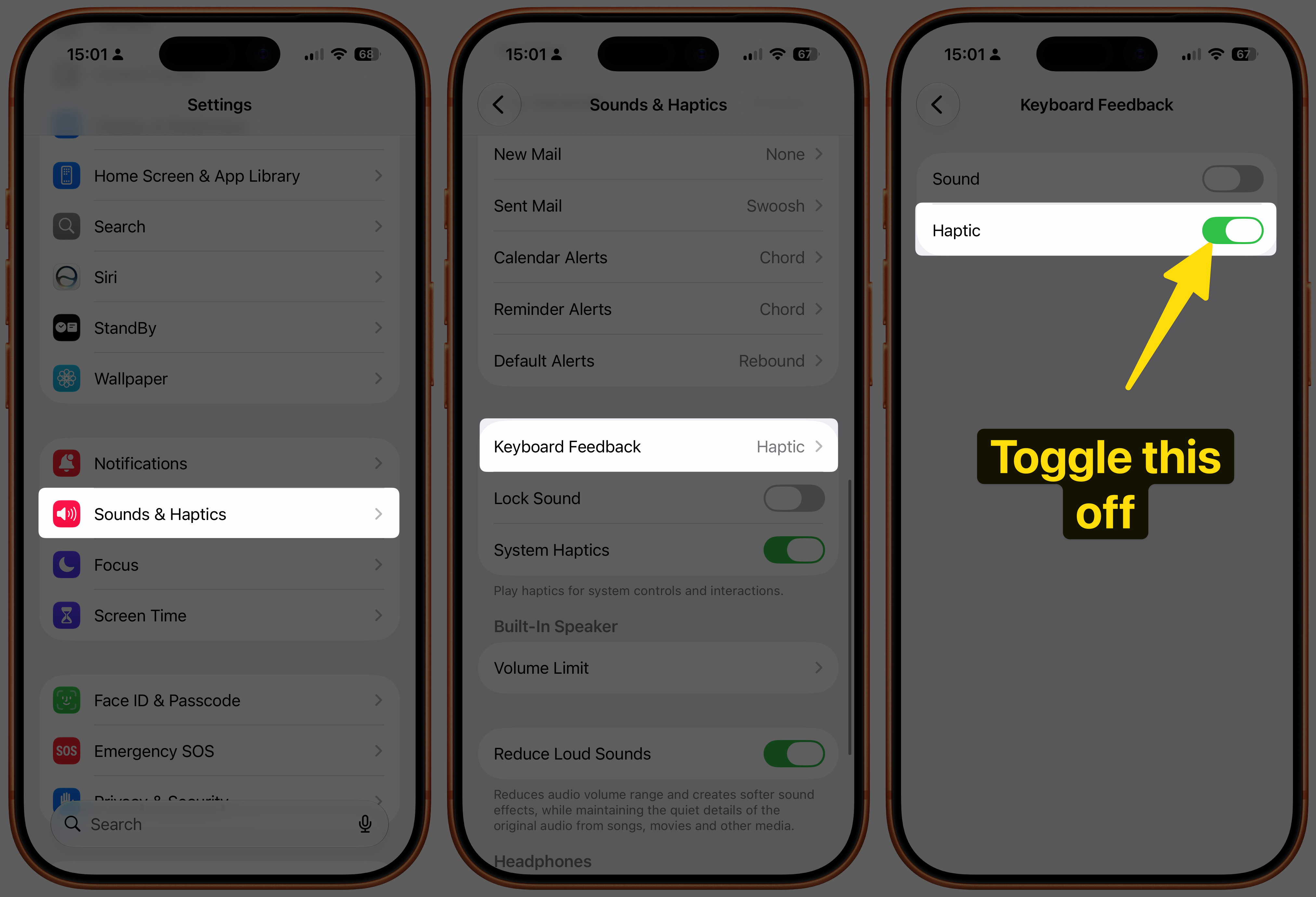
Did you know you can disable keyboard haptic feedback on your iPhone to help conserve battery life?
To do this, open Settings. Scroll down and tap on 'Sounds & Haptics'. Scroll down again and tap on 'Keyboard Feedback'. Toggle off 'Haptic'.