This week, Apple is betting big on silent communication, and the Air Tag finally gets an update.
Apple Just Paid $2 Billion to Read Your Lips
It turns out that Apple's biggest acquisition in over a decade wasn't for a flashy consumer brand or a streaming service. It was for a secretive Israeli startup that most people have never heard of, and it could fundamentally change how you interact with every Apple device you own.
Apple confirmed yesterday that it has acquired Q.ai, a company specialising in technology that can interpret "silent speech" by analysing facial skin micro movements. The price tag? Close to $2 billion, making this Apple's second-largest purchase ever, behind only the $3 billion Beats deal back in 2014.

So what exactly has Apple bought here? Q.ai has developed machine learning systems that can decode what you're saying by watching the tiny movements of your facial muscles, even if you're not making a sound. Patents filed by the company describe systems using optical or laser projection on the face to detect minute muscle activity. In practical terms, this means you could potentially whisper commands to Siri in a crowded train, or even mouth instructions silently and have your device understand you perfectly.
The man behind Q.ai is Aviad Maizels, and Apple knows him well. He previously founded PrimeSense, which Apple acquired back in 2013 for around $350 million. That technology became the foundation for Face ID. Now Maizels is back, and this time the stakes are considerably higher.
What makes this acquisition particularly interesting is the timing. Apple is preparing to launch an entirely new category of products: smart glasses. Reports suggest these could arrive as early as late 2026, designed to compete with Meta's Ray-Ban glasses. Unlike the Vision Pro headset, these would be lightweight, everyday eyewear with cameras, microphones, and AI capabilities built in. The silent speech technology from Q.ai would be perfect for this. Nobody wants to be that person walking down the street talking to their glasses, but silently mouthing commands? That's far more socially acceptable.
There's also the rumoured HomePod with a camera to consider. Apple is expected to launch a new smart home hub sometime this year, featuring a display, FaceTime camera, and facial recognition to identify who's in the room. Q.ai's technology could enable this device to understand commands even when you're across a noisy kitchen, or let you interact with it silently while a baby sleeps in the next room.
The AirPods angle is equally compelling. Apple has been steadily adding intelligence to its earbuds, including live translation features. Patents have already shown Apple exploring how future AirPods could use lasers to detect lip movements and process whispered requests. Q.ai's expertise slots perfectly into this roadmap. Imagine asking Siri something private, in public, without making a sound.
Johnny Srouji, Apple's senior vice president of hardware technologies, called Q.ai "a remarkable company that is pioneering new and creative ways to use imaging and machine learning." That's corporate speak, but read between the lines and you can see Apple's excitement about the possibilities.
The acquisition also makes strategic sense in Apple's broader AI ambitions. While competitors focus on large language models and chatbots, Apple seems to be betting heavily on new input methods. Making devices understand us better, whether through voice, gesture, gaze, or now silent speech, has always been Apple's approach to AI. It's less about artificial intelligence showing off, and more about removing friction from how we interact with technology.
Of course, the privacy implications are worth considering. A device that can read your lips is, by definition, watching your face closely. Apple will no doubt emphasise on-device processing and their usual privacy commitments, but this is territory that will require careful navigation.
For now, don't expect silent Siri commands to appear in iOS 27. This technology will take time to integrate. But when you consider the full picture of Apple's upcoming products, the $2 billion suddenly looks like shrewd positioning. Smart glasses, camera-equipped home hubs, ever-smarter AirPods, and a Vision Pro that's already tracking your eyes and hands. Q.ai provides the missing piece: a way to speak without speaking.
The future of Apple, it seems, will be a quieter one.
Your iPhone can do more than you think
January's the month for fresh starts – and if you've been meaning to actually learn what your Apple devices can do, there's no better time.

Maybe you got a new iPhone or Mac over Christmas. Maybe you've had yours for years and still copy-paste the same way you did in 2019. Either way, I built something that can help.
iPhone Essentials Plus is a comprehensive training portal with more than 200 lessons that cover everything your iPhone can do. No fluff, no filler – just practical skills you'll actually use, with fresh content added regularly.
Every lesson gives you three ways to learn: a short video walkthrough, a step-by-step guide with screenshots, and a downloadable PDF for quick reference. Learn on your commute, at your desk, or whenever you've got five minutes.
There are no ads, no sponsors, and no subscription traps. One payment, lifetime access.
Got a Mac too? I've also created Mac Essentials Plus with the same approach. Grab it separately or bundle both courses for the best value.
Make this the year you stop Googling the same questions twice.
Purchase Links;
- iPhone Essentials Plus
- Mac Essentials Plus
- iPhone & Mac Essentials Plus Discount Bundle
- iPhone & Lifetime PDF
- Mac & Lifetime PDF
- iPhone, Mac & Lifetime PDF
The AirTag Finally Gets an Upgrade (And Airlines Are Thrilled)
It turns out that five years is a long time to wait for an update to a £29 tracker. But this week, Apple finally released the second generation AirTag, and while it looks identical to the original, the improvements are exactly where they need to be.
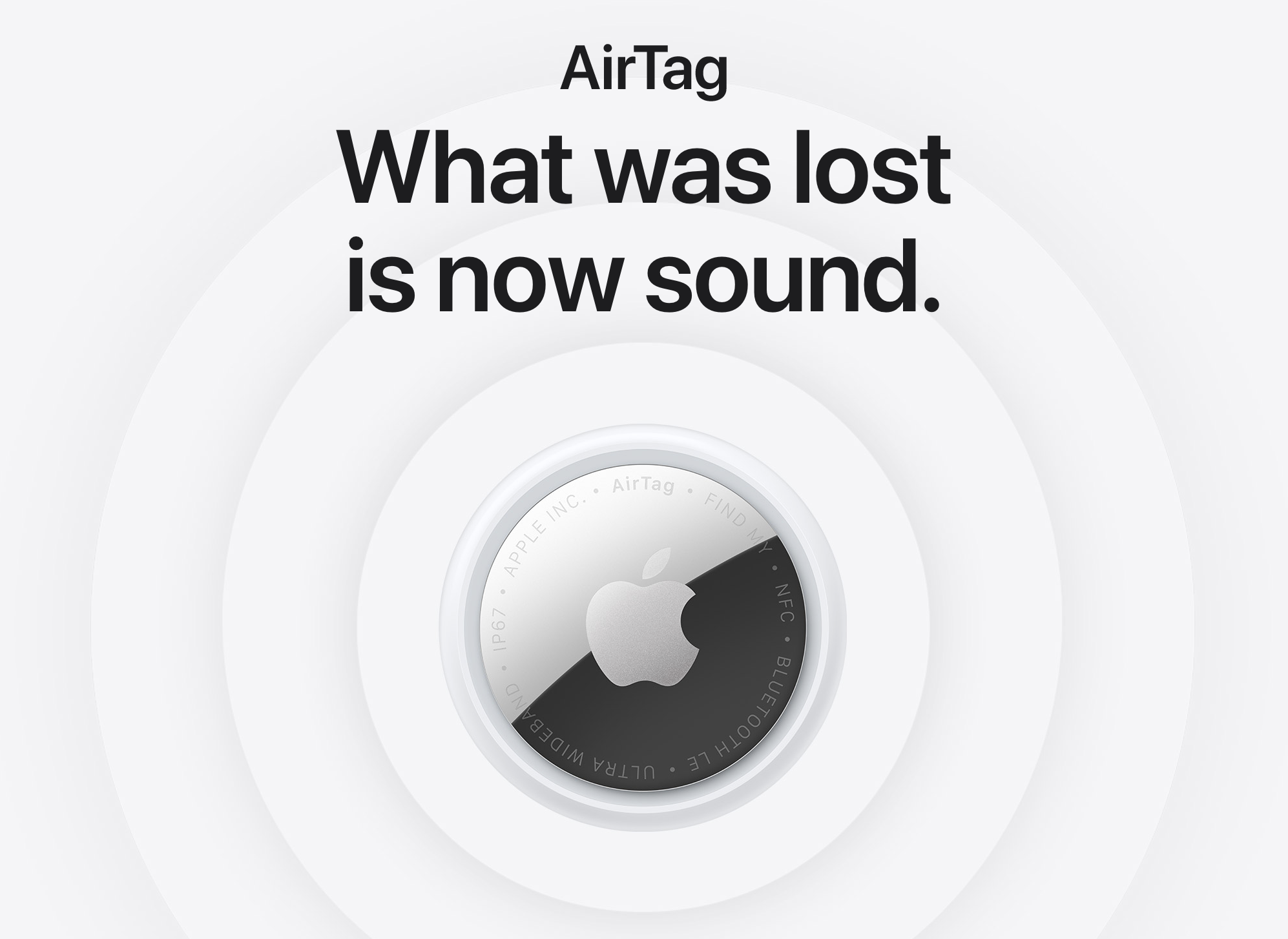
The headline changes are practical rather than flashy. Apple has fitted the new AirTag with its second generation Ultra Wideband chip, the same one found in the iPhone 17 lineup. This means Precision Finding now works from 50% farther away than before, which makes a genuine difference when you're trying to locate keys that have slipped behind furniture or a suitcase that's ended up on the wrong luggage carousel.
Speaking of carousels, the timing of this release feels deliberate. Over the past year, airlines have been quietly embracing AirTags as part of their baggage recovery operations. A total of 36 airlines now support Apple's Share Item Location feature, including British Airways, Delta, United, Lufthansa, and Qantas. The results have been remarkable. According to SITA, the company that manages baggage tracking for over 500 airlines worldwide, bags with shared AirTag locations have seen permanent loss rates drop by 90%. Recovery times are also 26% faster.
The new AirTag plays directly into this. Its louder speaker (50% louder than the original) means airport staff can actually hear it when searching through piles of luggage. And the expanded Bluetooth range improves discoverability across the Find My network, which is particularly useful in less trafficked airport storage areas.
There's also a new trick for Apple Watch owners. Precision Finding now works on Apple Watch Series 9 and later, so you can locate your AirTag directly from your wrist without pulling out your iPhone. It's a small addition, but a welcome one.
The price remains unchanged at £29 for a single AirTag or £99 for a four pack. If you travel regularly and have been putting off buying one, this feels like the right moment. The combination of improved hardware and genuine airline integration has turned the AirTag from a nice to have into something approaching essential travel kit.
Just remember to enable Share Item Location if your bag does go missing. The technology only works if you actually use it.
Tip of the week
Did you know, you can quickly close all of your open Safari tabs using the following trick? Tap the ellipsis in the bottom right corner of Safari, then choose All Tabs. Long-press on the blue tick button, and chose Close All (it will say how many tabs you currently have open).

My new content
10 things you need to STOP doing on your iPhone!
|
How Secure are Apple Products REALLY?
|