This week, we’re looking to the future of wearable tech, from Meta’s bold new smart glasses to an exciting new development that could change the way you watch sports on Apple’s Vision Pro.
The Battle for Your Face: What Meta’s New Smart Glasses Tell Us About the Future
There’s been a lot of chatter in the tech world recently about Meta’s latest push into smart glasses, and rightly so. Last month, they officially launched their new Ray-Ban Meta Display Glasses, the most ambitious attempt we’ve seen yet to make augmented reality feel a bit more everyday. Not just a flashy concept for tech demos, but something you might actually wear, out and about, in public.
Reviews have started to trickle in now that the glasses are finally in the hands (or rather, on the faces) of early adopters in the US, and they’re giving us a much clearer picture of what this thing actually is, and what it isn’t. For around $/£800, is it a glimpse of the future, or just another version 1.0 prototype with too many rough edges?
Let’s take a look.
So… what are these new glasses, exactly?
The Ray-Ban Meta Display Glasses are the first from Meta to include a built-in display, and they manage to squeeze a surprising amount of tech into what still looks like a pair of chunky Wayfarers. The little screen sits just in front of one eye and can show things like messages, navigation directions or music controls in the corner of your vision. It’s bright enough to see outdoors, yet private enough that nobody else can glimpse what you’re looking at.
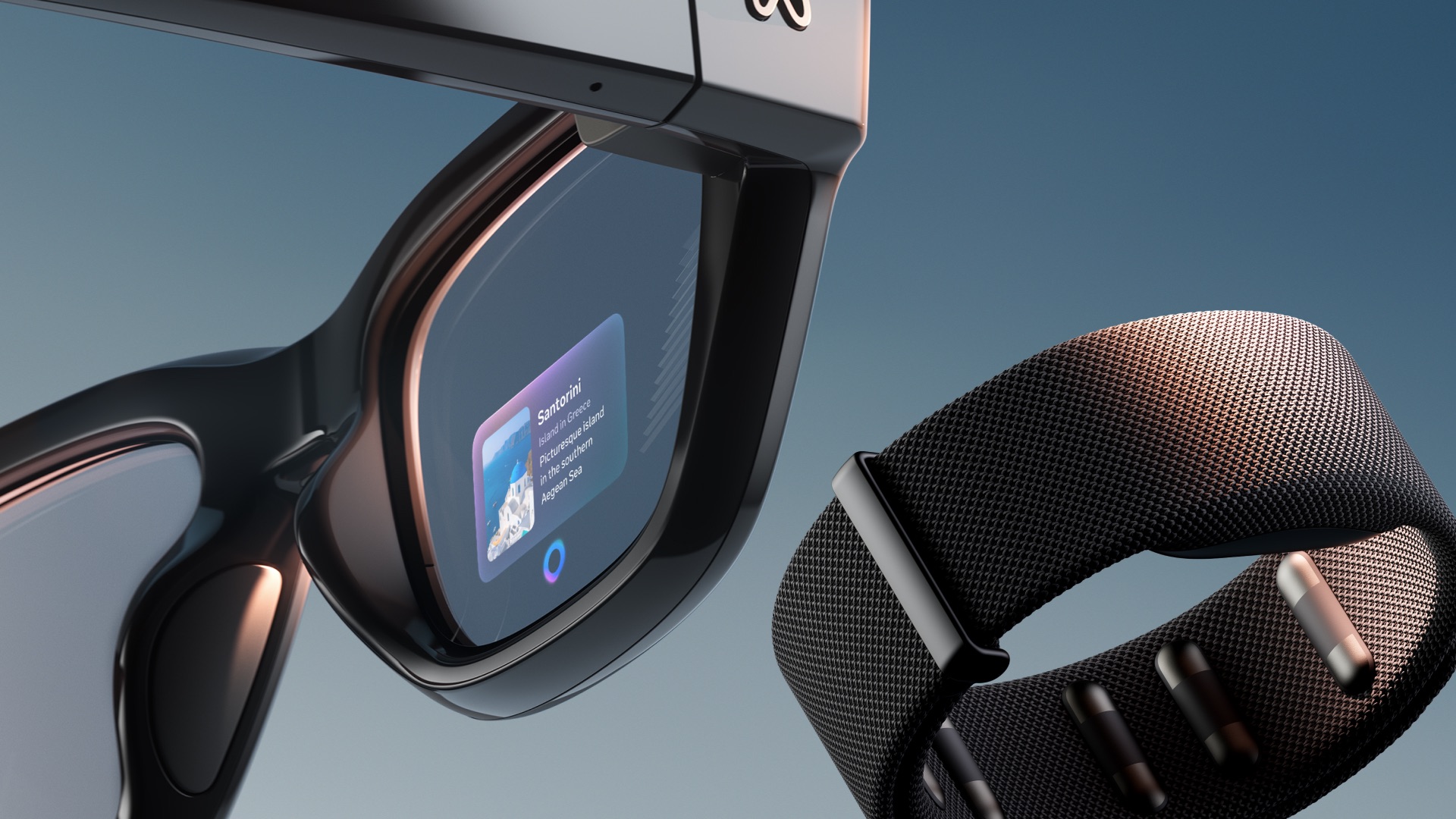
The real talking point, though, is something called the Neural Band. It’s a wrist-worn controller that uses subtle electrical signals from your hand muscles, so you can scroll, pinch or tap in mid-air without actually moving much at all. You can rest your hand on your lap and still control the interface. It looks clever, and it could be the breakthrough that finally makes wearing smart glasses feel normal.
There’s also a 12-megapixel camera built in, capable of crisp 3K video, and the whole thing is tightly integrated with Meta AI. You can ask questions, identify objects or translate signs in real time, all completely hands-free. Despite all that tech, they still look (relatively) wearable, thanks to Ray-Ban’s design input.
Enjoy tips videos, but struggle to remember everything?
Then you should definitely take a look at iPhone Essentials Plus. It’s my dedicated iPhone training portal with more than 150 lessons covering every aspect of your device, and I’m adding new content all the time.

Each lesson includes a short video, a step-by-step guide with screenshots, and a downloadable PDF, so no matter how you like to learn, you’re sorted. There are no ads, no sponsors, just straight-up content, and it’s all available for a one-time payment, no subscription.
And if you’re a Mac user, I’ve recently launched a Mac version too. You can pick that up on its own or bundle it with the iPhone course to get the best value. If you’re interested, click the links below to get started.
Purchase Links;
- iPhone Essentials Plus
- Mac Essentials Plus
- iPhone & Mac Essentials Plus Discount Bundle
- iPhone & Lifetime PDF
- Mac & Lifetime PDF
- iPhone, Mac & Lifetime PDF
Early reviews: smart controls, strained eyes
After a few weeks of hands-on use, reviewers seem to agree on one thing: this is an impressive start, but still a product with limits. The Neural Band is getting rave reviews. People love that it allows quiet, subtle control without talking to your glasses in public. It’s one of those ideas that instantly feels futuristic, and it could become a template for others to follow.
|
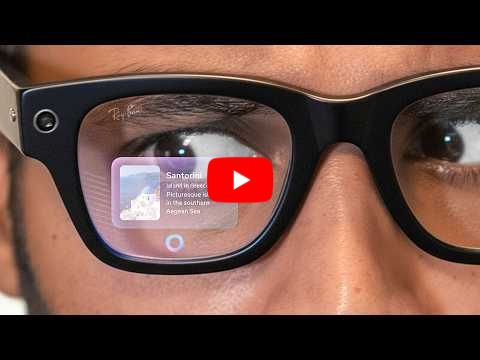
The display also earns praise. It’s bright enough to see clearly in sunlight, and because it sits so close to your eye, it’s genuinely private. Imagine reading a message or checking directions while still keeping eye contact with someone – that’s the kind of experience people are describing. The built-in camera is another highlight, producing smooth, stabilised video that’s far better than most expected.
But not everything is quite there yet. The biggest complaint is eye strain. Because the screen only appears in one eye, the brain has to work harder to process what it’s seeing. Most reviewers describe it as something you glance at, rather than a display you stare into. The short battery life is another frustration, lasting just a few hours before needing a recharge in a case that’s bulkier than before. And getting hold of a pair has been tricky too, with limited stock and long demo waitlists in the US.
So the verdict so far? A fascinating first step, but still one for early adopters rather than everyday users.
What Apple might learn from all this
While Meta is testing the waters of mainstream AR, Apple is still targeting a very different audience with the Vision Pro – a high-end headset for work, media and creative use. But Meta’s glasses highlight a few lessons Apple might want to take note of.
First, there’s the importance of subtle control. The Neural Band proves that the best kind of input is the one that barely looks like input at all. The Vision Pro’s hand-tracking is impressive, but you still have to hold your hands out in front of you. A small, discreet wrist or finger device could make Apple’s future headset (or a lighter version of it) much more practical for everyday wear.
Second, the success of Meta’s glasses shows the appeal of a simple heads-up display. They don’t try to replace your phone or your Mac. Instead, they just add useful bits of information – directions, messages, notifications – into your field of view. There’s real potential for Apple to create a lighter, cheaper product that offers this kind of glanceable experience, sitting somewhere between an Apple Watch and a full Vision Pro.
And finally, design matters. People care more about comfort and style than raw performance. The Ray-Ban partnership gives Meta a product people actually want to wear, even if it means some compromises in power and battery life. Apple’s Vision Pro might deliver incredible visuals, but its size and weight still limit how often people will use it. For Apple to dominate the next phase of AR, it will need to shrink, lighten and simplify.
If nothing else, Meta’s new glasses are a reminder that augmented reality is edging closer to everyday life. They might not be perfect yet, but they’re an exciting glimpse of a future where smart technology fits more naturally into the world around us – and maybe even onto our faces.
Could this (finally) be a reason to buy a Vision Pro?
This week, Apple confirmed that live sports are finally coming to Vision Pro, starting with a selection of Los Angeles Lakers games in full Apple Immersive Video. You’ll be able to watch from what feels like courtside, with camera angles and perspectives that simply aren’t possible on a normal TV.
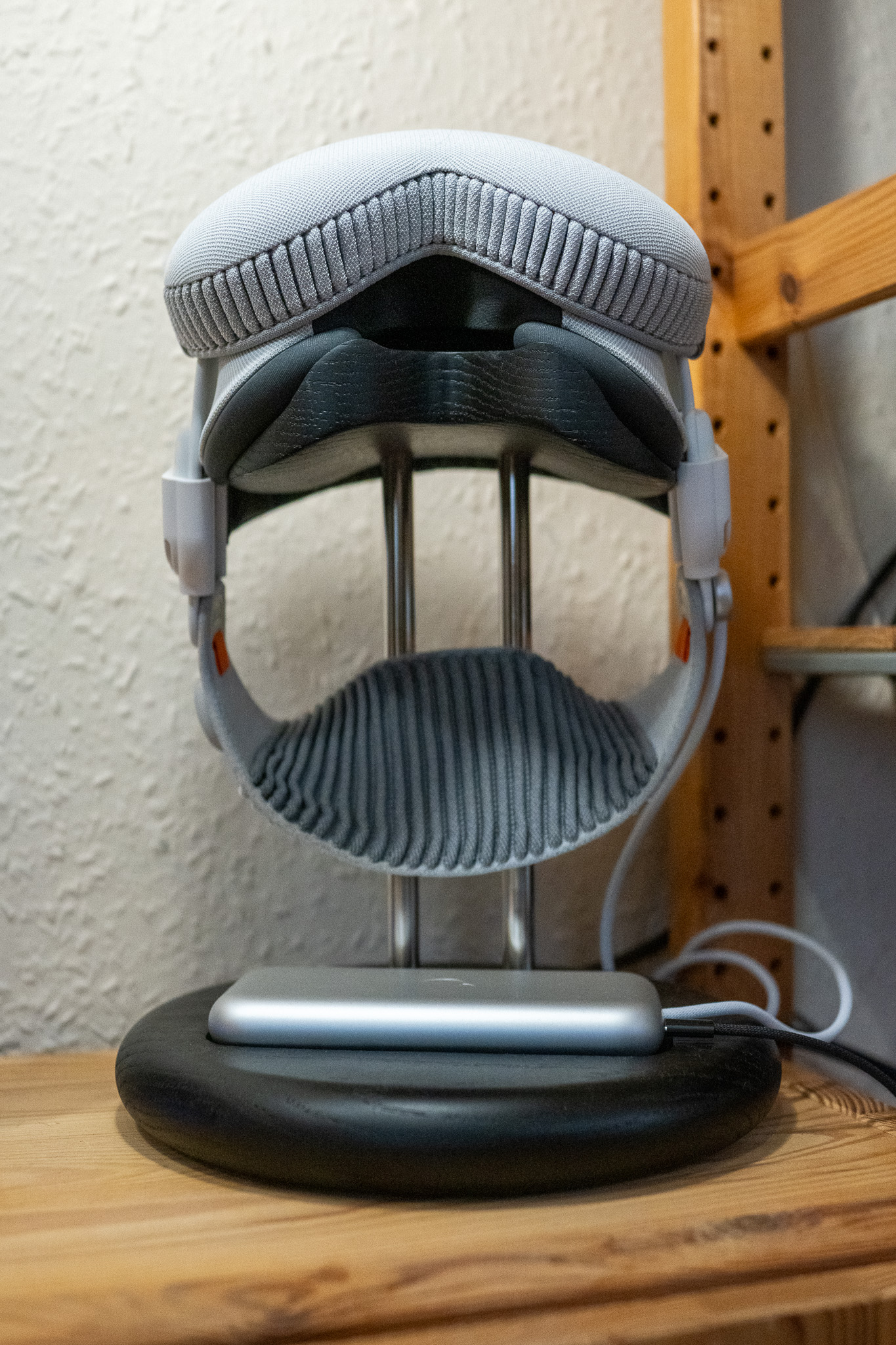
As someone who actually owns a Vision Pro, I can tell you that this is the feature I’ve been waiting for ever since I first tried the headset. Immersive Sport is genuinely incredible. It’s one of the few things that instantly shows you what the Vision Pro can do, and I’d argue it’s the most compelling use case for the product from a consumer point of view. Sport feels alive in a way that films and concerts, as impressive as they are, just don’t quite match.
Apple’s already experimented with immersive experiences — from a Metallica concert to short films and even a glimpse of the NBA All-Star Weekend — but these Lakers games mark the first time you’ll be able to watch live sport in full immersive video. The first broadcast is due early next year, available through the NBA app or the new Spectrum SportsNet app, with the full schedule coming later in the autumn.
You’ll need visionOS 26 to take part, and it’s not yet clear whether these games will be available outside the US, but I really hope they are. Because if Apple wants to show people why the Vision Pro matters, this is how to do it.
Tip of the week
Did you know, that when you long-press on a Message in the messages app in iOS 26, you can now press Select, and select only part of the message to copy (as opposed to the entire message, which was the default in iOS 18?

My new content
12 Amazing things your Apple Watch can do
|
Everything new in the iPhone Photos App
|